

Playing Betonred on Your Phone: Browser Tab or Home Screen
Betonred runs as a full responsive HTML5 site inside your phone’s own browser — Safari on iPhone, Chrome on Android — and that browser version is the main way to play on mobile. From there, most phones let you pin the site to your home screen using the browser’s own “Add to Home Screen” feature, which gives you a one-tap icon that opens straight into the site without changing how the site itself works underneath.
That distinction matters because a home-screen icon can look, at a glance, like a separate app when it is really a saved shortcut to the same browser session. Understanding that difference is useful before you go looking for anything to install, since the fastest and most reliable route onto a phone is simply opening the browser you already use every day.
The Betonred Casino review gives a wider view of the games and account behind that mobile screen.
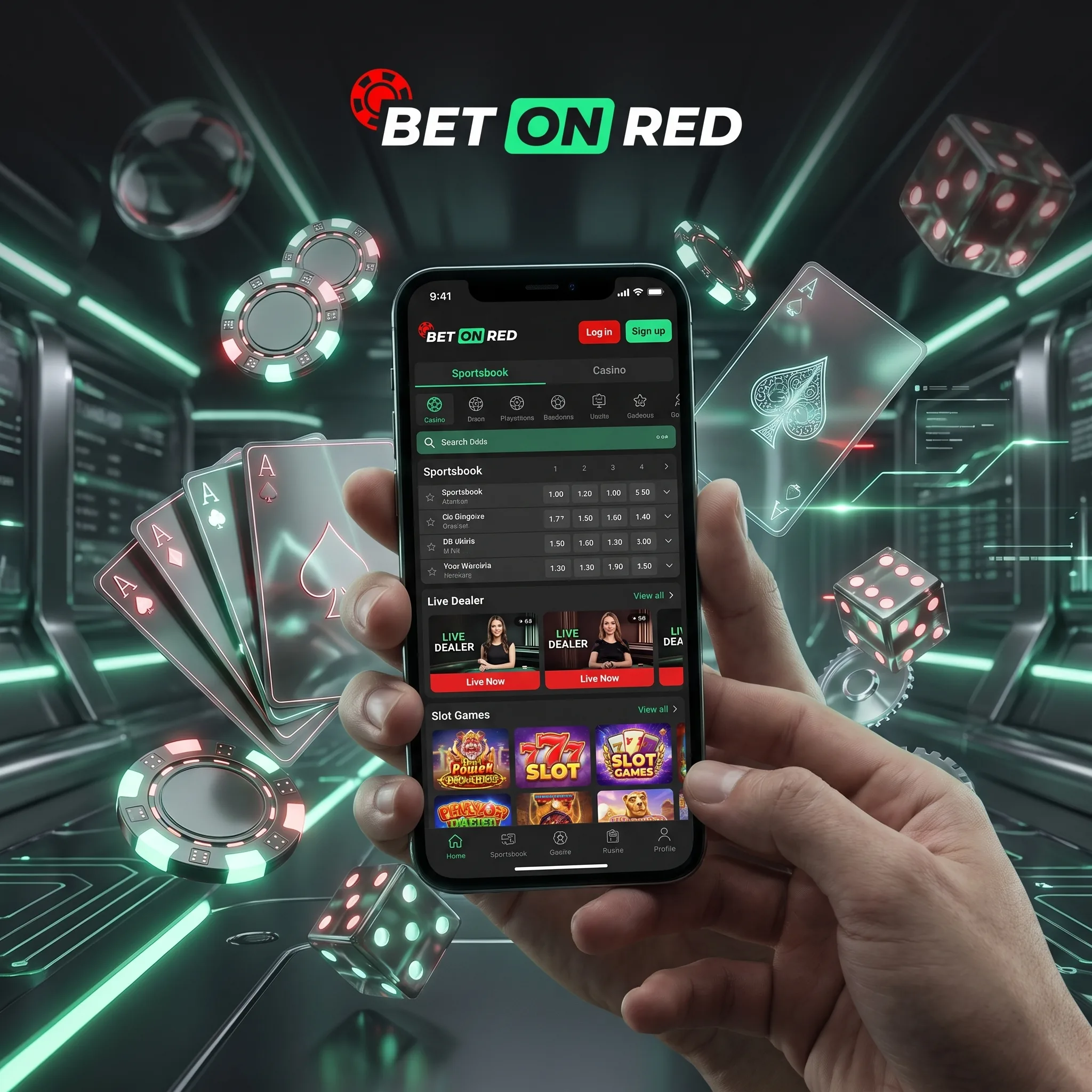
Setting Up Access on Android
- Open Chrome (or your preferred browser) and go to the Betonred site.
- Log in to your account as you normally would on desktop.
- Open the browser menu, usually the three dots in the top corner.
- Choose “Add to Home screen” and confirm the name for the shortcut.
- Use the new icon on your home screen to open straight into the site going forward.
Setting Up Access on iPhone and iPad
- Open Safari and go to the Betonred site.
- Log in to your account as usual.
- Tap the Share icon at the bottom of the screen.
- Scroll down and tap “Add to Home Screen,” then confirm.
- Launch the site directly from the new home-screen icon in future.
Only use the browser and the official “Add to Home Screen” device feature for this; download links or installers offered anywhere other than the Betonred site’s own pages are outside anything described on this page.
Home-Screen Shortcut Compared With a Browser Tab
| Aspect | Home-screen shortcut | Browser tab |
|---|---|---|
| Access | One tap from your home screen | Requires opening the browser first and navigating to the site |
| Underlying site | Same responsive HTML5 site | Same responsive HTML5 site |
| Login | Stays signed in, same as a normal browser session | Stays signed in, same as a normal browser session |
| Setup | Added once through your browser’s own feature | No setup needed, just a bookmark or typed address |
Both entry points use the same cashier, whose deposit and withdrawal options are compared in the Betonred payment methods guide.
What Works the Same on Mobile
The games library, the cashier, and account verification all function the same way through the mobile browser as they do on desktop, since it is the same responsive site rather than a separate cut-down version. Slots, live dealer tables, and the sportsbook all load and play the same way, deposits and withdrawals go through the same cashier, and the welcome package and wagering terms are identical regardless of which device you use to reach them.
Switching between a phone and a desktop mid-session works the same way too, since your account, balance, and any open verification review are tied to the account itself rather than to a particular device. Logging out on one and back in on the other simply continues from where you left off.
The Betonred welcome bonus terms also apply to the same account whether it is opened on a phone or a computer.
Fixing Common Mobile Snags
The Site Loads Slowly or Looks Broken
Clearing your browser’s cache, or trying a different browser, usually resolves display issues faster than reinstalling anything, since there is no separate app to reinstall in the first place.
The Home-Screen Icon Stops Opening the Site
Removing the shortcut and adding it again through your browser’s “Add to Home Screen” option resets the link if it has stopped working, since the icon itself is only a saved shortcut rather than a separate piece of software.
Live Tables Buffer or Lag on Mobile Data
Switching to Wi-Fi where available, or moving to a stronger mobile signal, usually clears buffering on live dealer tables faster than adjusting any setting inside the site itself.
For questions about identity checks rather than the browser, see the Betonred registration and verification guide.
Betonred Mobile FAQ: Browser Access and Setup
Play happens through the mobile browser at the Betonred site; any download link should only ever come from Betonred’s own pages.
Use your browser’s own “Add to Home Screen” feature after logging in at the Betonred site; the steps differ slightly between Android and iPhone.
Yes, the same responsive site and full games library are available regardless of device.
Yes, the cashier works the same way through the mobile browser as it does on desktop.
Removing it and re-adding it through your browser’s “Add to Home Screen” option usually fixes it.
A stable connection, ideally Wi-Fi, gives the smoothest live-table experience; weaker mobile signals can cause buffering.